
EOS2/EOS5 label printer user manual
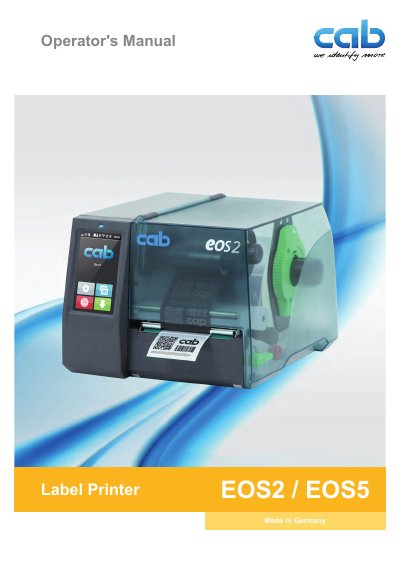
The document serves as an operator's manual for the cab EOS2 and EOS5 series of label printers. It details the intended use, safety instructions, and environmental considerations for these devices manufactured by cab Produkttechnik GmbH & Co. KG.
Key sections guide users through installation procedures, including unpacking, connecting power and computer interfaces, and switching on the device. The manual explains how to operate the touchscreen display for controlling print jobs and settings, as well as instructions for loading media from rolls and transfer ribbons. This manual is written in German.
The device is configured for voltages of 100 to 240 V AC.
The maximum sound pressure level is less than 70 dB(A).
The device can be operated with a supply voltage of 230 V~/50 Hz or 115 V~/60 Hz without adjustment.