
This is an EOS Label Printer 2 23 operator's manual, which includes instructions on the use, function, installation and other contents of the product.
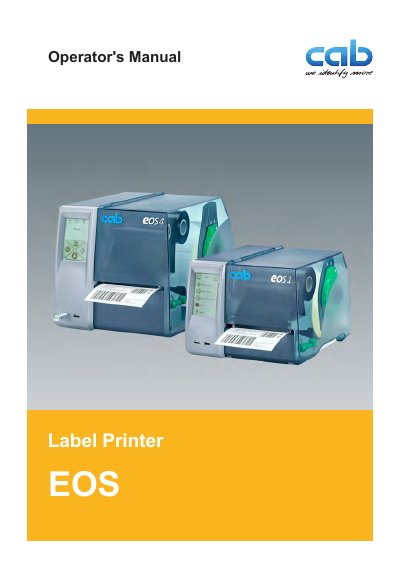
This Operator's Manual covers the cab EOS family of industrial thermal transfer printers, including models E0s1/200, E0s1/300, Eos4/200, and Eo0s4/300. It details the intended use, safety instructions, and installation procedures such as unpacking, mounting the cutter, and connecting to power and computers.
The guide also explains how to operate the touchscreen display, load labels and transfer ribbons, and perform printing in tear-off or cutting modes. Additionally, it provides instructions for maintenance tasks like cleaning the printhead and replacing parts, as well as a section on fault correction for various error messages.
| Supply voltage | 100 to 240 V AC |
|---|---|
| Sound pressure level | less than 70 dB(A) |
The device is intended exclusively for printing suitable materials such as labels and continuous media.
No, the device may only be used in a dry environment and should not be exposed to moisture.
Do not touch the device during operation and allow it to cool down before changing material or disassembly.