
Iridium GO! is a compact, rugged and portable device that creates a reliable, satellite-backed network connection for your smartphone to dramatically extend its capabilities anywhere on the planet.
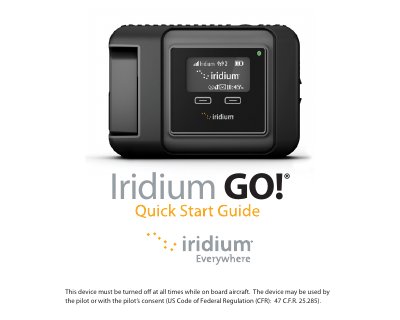
The Iridium GO! is a compact, rugged, and portable device that creates a reliable, satellite-backed network connection for smartphones. It allows users to make phone calls, send text messages, email, download weather forecasts, or activate SOS in emergencies anywhere on the planet using the global Iridium satellite network.
This Quick Start Guide covers four main steps: setting up the Iridium GO! device (inserting SIM and battery), setting up your smartphone with required apps, configuring the Iridium GO! app for login and settings, and using the app to place calls, send messages, or track location.
| Wi-Fi Range | approximately 30 m (100 ft) |
|---|---|
| Antenna Type | Swivel antenna |
The default user name and password are both 'guest'.
No, the device must be turned off at all times while on board aircraft unless used by the pilot or with consent.
Press the SOS icon in the app or the physical SOS button to activate an emergency alert.