
This document is an installation and user manual for Remote Satellite Terminal RST100. It introduces the features and characteristics of the product, including package contents, installation steps, connection methods, etc.
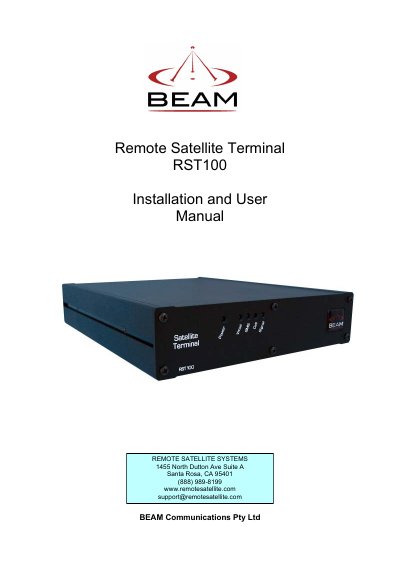
The BEAM RST100 Remote Satellite Terminal provides a reliable telephone or data service connection via the Iridium satellite network when a wired connection is not available. It emulates the functionality of the Public Switched Telephone Network (PSTN) and allows the connection of standard telephone handsets and other telecommunications devices.
The manual covers package contents, safety information, SIM card installation, mounting options, making phone calls, connecting with a PABX, remote configuration, and troubleshooting. It also includes specification summaries for the terminal and RS232 interface, as well as warranty conditions.
| Network Type | Iridium satellite network |
|---|---|
| Power Input | 110-240V AC |
| DC Input Range | 11 — 32V DC |
| Warranty Period | 12 months |
The warranty covers defects in material and workmanship for 12 months from the date of shipment.
If your PIN is blocked, you must enter the PIN unblocking key (PUK1) or contact your service provider.
The manual refers to a separate guide for installing the antenna.