
This manual describes how to install and use the PotsDOCK Extreme for the Iridium Extreme Portable Satellite Telephone.
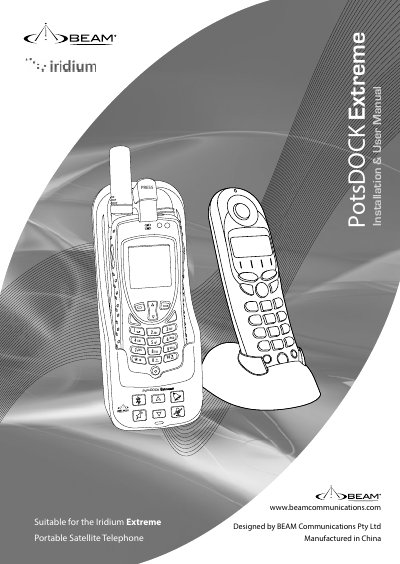
This manual provides installation and usage instructions for the BEAM PotsDOCK Extreme, a docking cradle designed for the Iridium Extreme portable satellite telephone. The document covers package contents, safety warnings regarding explosive atmospheres and RF exposure, and detailed setup procedures.
| Rated Input | 9-32V DC, 2A max |
|---|---|
| AC Power Pack | 100-250V AC 50-60Hz, Output15V DC 60W |
| Standby Current | 75mA |
| Transmit + Charging Current | 0.4A |
| Sleep Mode Current | 25mA |
| Data Port | USB mini-B 5-pin female |
| Bluetooth System | Bluetooth 2.0v+EDR |
| Bluetooth Profiles | HFP, HFP-AG, SPP |
The package includes the docking cradle, AC/DC Power Adaptor, DC Power Cable/Fuse Kit, RAM Mount, Earth Strap, M4 Screws and washers, Quick Start Guide, and User Manual.
Turn the phone OFF and do not remove the battery or handset from the cradle in areas with potentially explosive atmospheres to prevent explosion or fire.
The Iridium antenna must be located more than 0.3 meters (1 foot) from the human body when in operation.