
This manual introduces how to connect XG6846B, including button, ports and LED indicators.
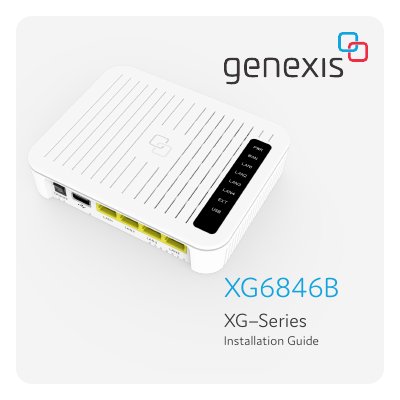
The document serves as an installation guide for the Genexis XG6846B active device. It details the contents of the box, provides an overview of physical buttons and ports including USB, LAN, WAN/SFP, and power connections, and explains the function of various status LEDs such as Power/System, WAN/EXT, and LAN indicators.
Press and release the recessed Reset button for more than 5 seconds.
It indicates that the system is booting in progress.