
This manual introduces how to use the CloudEdge camera, including product description, adding camera to app, mounting camera to wall, function introduction, etc.
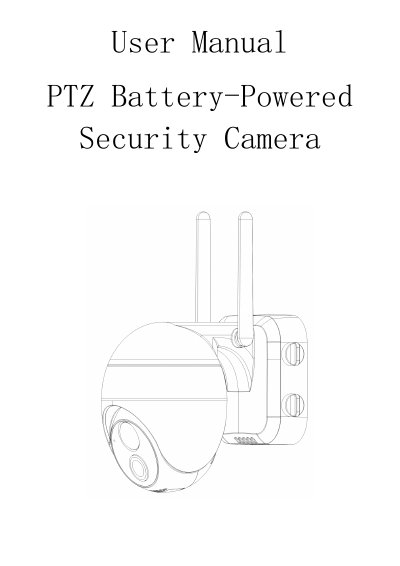
This document provides instructions for setting up and operating a PTZ (Pan-Tilt-Zoom) battery-powered security camera. It details how to download the required 'CloudEdge' mobile application, register an account, and connect the device to a 2.4GHz Wi-Fi network using QR code scanning.
The guide also covers physical installation, including mounting the camera on a wall bracket at a recommended height of 8-10 feet. It explains how to use features such as PIR motion detection (up to 12 meters), two-way audio via the built-in microphone and speaker, and local SD card recording.
The PIR sensor can detect moving objects up to 12 meters away.
You must use a 5V/2A power supply to charge the camera.
It is recommended to install the camera 8-10 feet off the ground.