
This document introduces how to set up your IP camera for connection over the Internet using a PC, Mac, smartphone, or tablet.
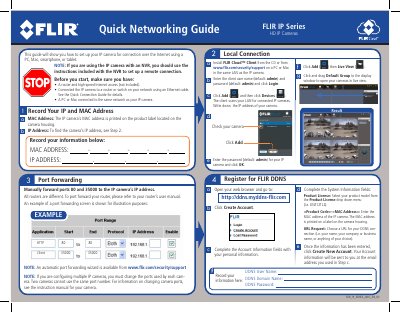
This guide provides instructions for setting up FLIR IP Series HD IP cameras for connection over the Internet using a PC, Mac, smartphone, or tablet. It covers local network connection, client software installation, and port forwarding configuration.
| Default User Name | admin |
|---|---|
| Default Password | admin |
| Default HTTP Port | 80 |
| Default Client Port | 35000 |
| Default RTSP Port | 554 |
The default user name is admin and the default password is admin.
You must manually forward ports 80 and 35000 to the IP camera's IP address.
Install the FLIR Cloud app from the App Store or Google Play Store and configure the connection using the IP address or DDNS address.