
This is a user manual that introduces the use of ULTRAGRAPH PRO FBQ6200/FBQ3102/FBQ1502, including product features, control elements and interfaces, application examples, etc.
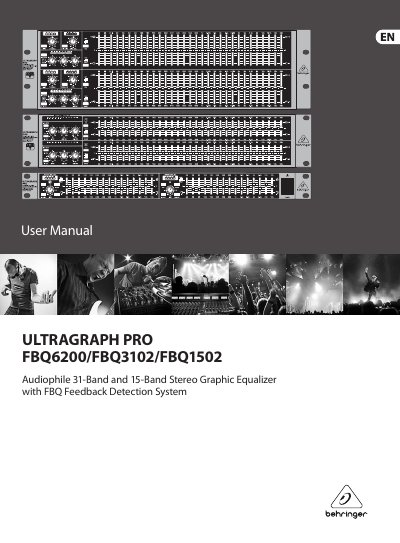
The document serves as a user guide for the ULTRAGRAPH PRO series of stereo graphic equalizers. It details three specific models: the FBQ6200 with 62 lighted faders and integrated limiters, the FBQ3102 with 31 frequency bands and adjustable filters, and the compact FBQ1502. The text explains the unique FBQ Feedback Detection System which uses LEDs to identify critical frequencies for feedback elimination.
It uses LEDs in the frequency band faders to immediately recognize and eliminate feedback frequencies.
You can adjust the fader range from +6 to +12 dB for each channel independently.
You must ensure you have selected the correct voltage by checking the markings near the fuse compartment.