
This file is the Quick Start Guide for X AIR X18/XR18. It includes the features and characteristics of the product, as well as how to use it.
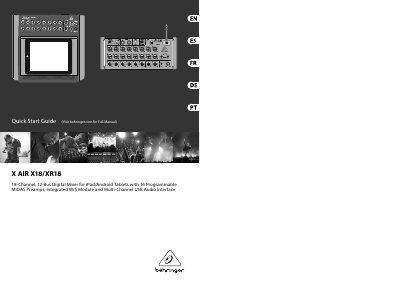
This document serves as a Quick Start Guide for the Behringer X AIR X18 and XR18 digital mixers. It provides instructions on connecting the device to various sources, including iPads, Android tablets, and computers, as well as setting up the built-in Wi-Fi and Ethernet connections for remote control. The guide details the physical inputs and outputs, such as the 16 programmable MIDAS preamps and USB audio interface capabilities.
| Channels | 18-Channel |
|---|---|
| Buses | 12-Bus |
| Preamps | 16 Programmable MIDAS Preamps |
| Audio Interface | Multi-Channel USB Audio Interface |
| Recording Channels | Up to 18 audio channels |
| Playback Channels | 18 channels |
| MIDI I/O | 16 channels |
| Default IP Address | 192.168.1.1 |
| Wi-Fi Security | WEP, WPA, WPA2 |
The mixers can be accessed via Ethernet LAN, wirelessly as a Wifi Client, or as an Access Point.
Hold the RESET button for 10 seconds to reset all console functions to factory default status.
The default IP address is 192.168.1.1 with no security engaged.
Yes, 16 channels of MIDI I/O can be transmitted on the same USB connection used for audio.