
This guide provides basic information for Unitronics V1210-T20BJ controllers. V1210 OPLCs are programmable logic controllers that comprise a built-in operating panel containing a 12.1” Color Touchscreen.
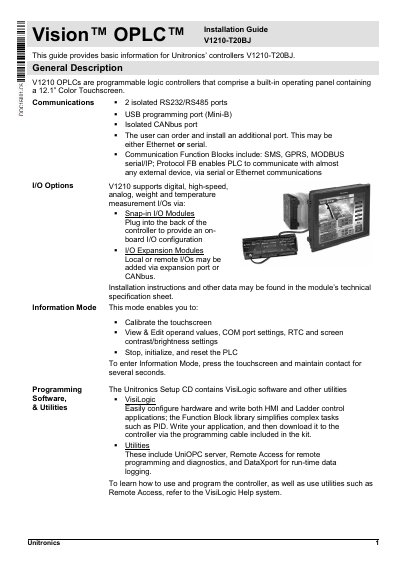
The document serves as an installation guide for the Unitronics Vision OPLC V1210-T20BJ, a programmable logic controller featuring a built-in 12.1-inch color touchscreen and isolated RS232/RS485 ports. It details the standard kit contents, including mounting brackets and connectors, and provides instructions on inserting the backup battery.
The guide outlines procedures for panel mounting, ensuring proper ventilation and environmental conditions. It includes specific wiring instructions for power supplies (10.2-28.8VDC) and I/O connections, emphasizing safety precautions regarding live wires and torque limits. Additionally, it explains how to configure communication ports via DIP switches for RS232 or RS485 modes.
| Screen Size | 12.1" Color Touchscreen |
|---|---|
| Power Input Range | 10.2-28.8VDC |
| Wire Gauge | 26-12 AWG |
| Max Torque | 0.5 N-m (5 kgf-cm) |
The controller requires an external power supply with a permissible input voltage range of 10.2-28.8VDC.
Remove the battery cover, ensure the polarity symbol on the battery is facing up and aligned with the holder, then replace the cover.
You should use crimp terminals and 26-12 AWG wire.