
Installation, wiring, safety and technical specifications for the Unitronics V200-18-E3XB Snap‑in I/O Module.
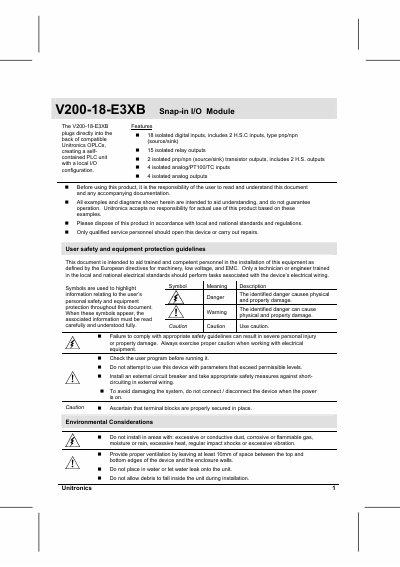
The Unitronics V200-18-E3XB Snap‑in I/O Module provides a self‑contained PLC I/O solution with 18 isolated digital inputs, 15 isolated relay outputs, 4 analog inputs and 4 analog outputs. The manual covers safety guidelines, wiring procedures, jumper settings and detailed technical specifications.
The document guides qualified personnel through installation steps, including module removal, jumper configuration, and re‑assembly, and lists environmental limits, power‑supply requirements, and performance data for digital, analog, PT100 and thermocouple inputs.
| Digital inputs | 18 isolated inputs (two groups) |
|---|---|
| Digital input type | PNP (source) or NPN (sink) |
| Digital input voltage | 24 VDC nominal |
| Digital input response time | 10 ms typical |
| Digital outputs power supply | 24 VDC nominal |
| Digital output max current | 85 mA per output |
| Analog inputs | 4 isolated inputs (PT100/TC) |
| Analog input range | 0‑10 V, 0‑20 mA, 4‑20 mA |
| Analog resolution | 12‑bit (4096 units) |
| PT100 temperature range | -200 °C to 600 °C |
| Thermocouple types supported | B, E, J, K, N, R, S, T |
| Dimensions (W×H×D) | 138 mm × 23 mm × 123 mm |
| Weight | 279 g |
The digital outputs require a 24 VDC nominal power supply.
The module provides 18 isolated digital inputs, arranged in two groups.
Remove the module, press the two side buttons to unlock, lift the PCB, adjust the jumpers, then re‑install the board and module.
A warm‑up period of about half an hour is recommended.