
Key facts
- Manuals
- 1
- Languages
- EN
- Last added
- 2026-09-28
Featured Unitronics manuals
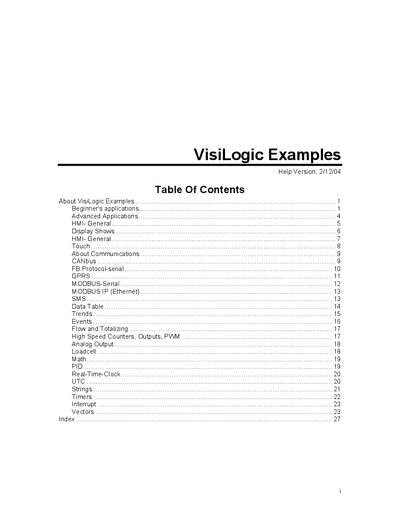
Unitronics VisiLogic Examples Help
The VisiLogic Examples Help file provides a list of sample applications that are installed with VisiLogic. The Examples folder is created during installation, typically at C:\ProgramFiles\Unitronics\VisiLogic\Examples\Verx.xx, and is organized into Beginner and Advanced sections.
The document describes each sample’s purpose, the PLC models it supports (V120, V230, V260, V280), and how to use the examples for HMI displays, ladder logic, communications (CANbus, MODBUS, GPRS, etc.), data tables, alarms, and touch-screen functions. It also explains how to copy, adapt, and export subroutines for custom projects.
Covers: About VisiLogic Examples · Beginner's Applications · Advanced Applications · HMI – General · Touch Screen Examples · Communications (CANbus, MODBUS, GPRS)
Latest Unitronics manuals
Unitronics VisiLogic Examples Help
User Manual 29 pages · 355 KB · ENThis help file lists sample VisiLogic applications for Unitronics Vision controllers, covering HMI, ladder, communications and other features.
Which document do I need?
User Manual
Day-to-day operation, settings and troubleshooting. Start here if the product is already set up.
Questions answered in Unitronics manuals
Where are the VisiLogic example files located?
They are in the Examples folder created during installation, typically at C:\ProgramFiles\Unitronics\VisiLogic\Examples\Verx.xx.
How can I adapt an example for a different Vision controller model?
Open the sample, go to the Hardware Configuration and select the desired model, such as V230, then download it to the controller.