
ThinkColour is a display management software developed by Lenovo, which can help users adjust screen color, brightness, etc. to improve work efficiency and protect users' vision.
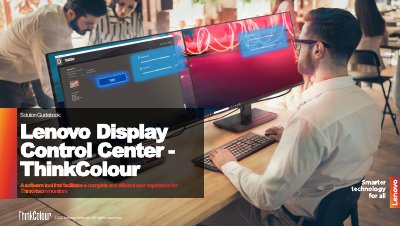
ThinkColour is a software solution developed by Lenovo based on the Display Control Center platform. It is designed to provide comprehensive display management for users of specific ThinkVision monitor models, ranging from simple adjustments to specialized color-critical settings.
The document outlines how ThinkColour addresses various user needs, including simplifying setup for everyday employees and offering advanced calibration features for designers and editors. It also highlights capabilities for IT managers to remotely manage monitor fleets.
ThinkColour is a software tool designed to facilitate complete and efficient display management for Lenovo ThinkVision monitors.
The software includes enhanced ergonomic features intended to prioritize user health and optimize viewing comfort during prolonged screen time.