
This document is about GIGA-BYTE TECHNOLOGY CO., LTD. 's 2020 LCD monitor user manual, which includes monitor safety information, specifications, intended use, installation and removal, troubleshooting and more.
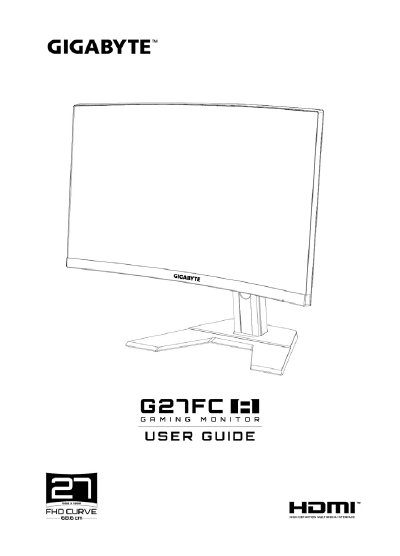
This document is the Spanish-language user manual for a GIGABYTE 27-inch LED LCD monitor. It provides instructions on safety precautions, unboxing, installing the stand or wall mount, connecting cables, and operating the device via its Quick Menu and function keys.
The guide includes detailed specifications such as a 1920 x 1080 resolution, 165Hz refresh rate, and various input/output ports including HDMI 2.0 and DisplayPort 1.2. It also features troubleshooting steps for common issues like no power or distorted images. This manual is written in Spanish.
| Panel Size | 27 pulgadas |
|---|---|
| Resolution | 1920 x 1080 |
| Refresh Rate | 165Hz |
| Response Time | 1ms |
| Brightness | 250 nits (típ.) / 200 nits (mín.) |
| Contrast Ratio | 3000:1 (típ.) |
| Input Ports | 2x HDMI 2.0, 1x DP 1.2, 1x Audio, 2x USB 3.0 |
The maximum power consumption when the device is turned on is 55W.
Supported resolutions include up to 1920x1080 at 165Hz.