
Cooper Bussmann BU-905U-L-R Receiver Quick Start Guide

This guide describes how to configure your unit using the default factory configuration that lets you easily setup your network as a simple send/receive network using a dedicated pair of transmitter and receiver units.
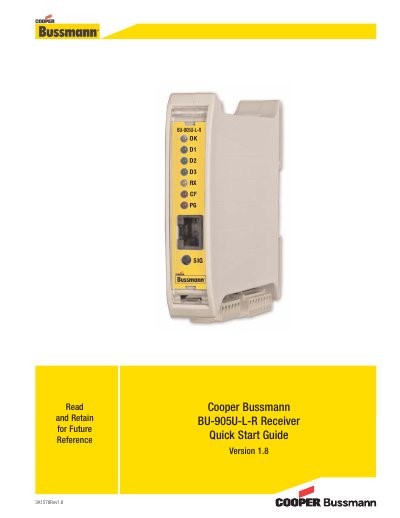

Cooper Bussmann BU-905U-L-R Receiver Quick Start Guide - cover page
Brand
Cooper Bussmann
Category
Other Electronics
Document type
Quick Start Guide
Language
English
Pages
8
File format
PDF
File size
232 KB
Published
12 October, 2023
Updated
12 October, 2023
MD5 checksum
A8B24CED453A154AE3A8F40A38708559

About this manual

The Cooper Bussmann BU-905U-L-R is a wireless receiver unit designed to receive telemetry data from a transmitter. The document outlines basic steps for using the unit, including connecting power and transducer signals, resetting factory defaults, and linking with a transmitter unit.

Key sections cover unit components and connections, antenna installation requirements, safety information regarding electrical regulations and hazardous locations, and detailed specifications for inputs, outputs, and radio performance.

What's inside

  • Basic Steps for Using Your Unit
  • Factory Default Configuration
  • Unit Components and Connections
  • Antenna Installation
  • Resetting Your Unit to Factory Defaults
  • Linking Your Transmitter and Receiver Units
  • Safety Information

Specifications

Analog Output Accuracy0.1%

Frequently asked questions

What is the maximum current rating for the power supply input?

The unit accepts a maximum of 0.25 Amps.

How long must you wait after pressing the RSSI button to release it during a factory reset?

You must release the RSSI push button within 5 seconds.

Download PDF (232 KB)

More Cooper Bussmann Manuals


View all Cooper Bussmann manuals →