
Hewlett-Packard ProCurve Series 2510-24 Switch Installation and Getting Started Guide

This document is the installation and getting started guide for ProCurve Series 2510-24 Switch and ProCurve Series 2510 Switch. The document provides instructions for installation and initial setup of the products.
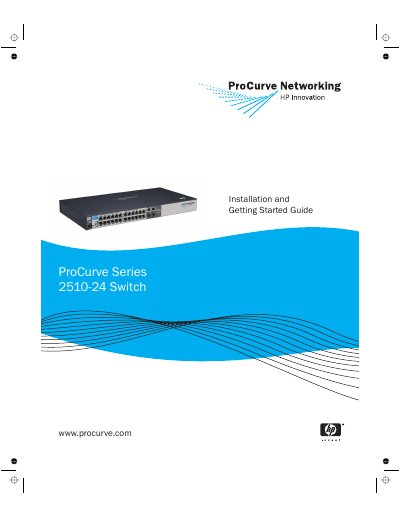

Hewlett-Packard ProCurve Series 2510-24 Switch Installation and Getting Started Guide - cover page
Brand
Hewlett-Packard
Category
Network Switches
Document type
User Manual
Language
English
Pages
90
File format
PDF
File size
2.4 MB
Published
21 March, 2023
Updated
27 September, 2023
MD5 checksum
99D7BA616A2F055CDC2B662156AB6F60

About this manual

The ProCurve Series 2510-24 is a multiport switch designed to build high-performance switched workgroup networks. It features 24 auto-sensing 10/100Base-TX RJ-45 ports and two dual-personality ports that support either 10/100/1000Base-T or mini-GBIC connectivity.

What's inside

  • Introducing the Switch
  • Installing the Switch
  • Configuring the Switch
  • Troubleshooting
  • Switch Specifications

Frequently asked questions

What is the ProCurve Switch 2510-24 used for?

It is a multiport switch designed to build high-performance switched workgroup networks by connecting computers, printers, and servers.

How many network ports does the switch have?

The switch has 24 auto-sensing 10/100Base-TX RJ-45 ports and two dual-personality ports.

What types of devices can be connected to the console port?

The console port connects a PC or workstation running a VT-100 terminal emulator, or a VT-100 terminal.

Download PDF (2.4 MB)

More Hewlett-Packard Manuals


View all Hewlett-Packard manuals →