
This document is the installation guide for the HP ProCurve Switch 2424M Gigabit Stacking Module. The guide includes steps for installing the module, downloading switch software, installing transceivers, connecting network cables, and resetting the switch if necessary.
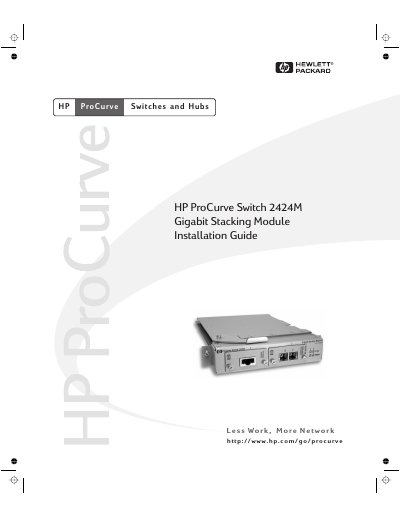
The Hewlett-Packard ProCurve Switch 2424M Gigabit Stacking Module is a component designed to be added to an HP ProCurve Switch 2424M. It provides stacking capabilities between multiple switches and offers various network connectivity options through compatible transceivers.
To install the module, you must first verify that your switch is running OS version C.06.06 or later. If necessary, download and install new software from the included floppy disk or HP website before inserting the transceivers into the module slots.
| Operating Temperature | 0°C to 55°C (32°F to 131°F) |
|---|---|
| Relative Humidity | 15% to 95% at 40 °C (non-condensing) |
| Maximum Altitude | 4.6 Km (15,000 ft) |
The switch must be running OS version C.06.06 or later to support the module.
Yes, you can perform a 'hot swap' operation to add or replace a module while the switch is powered on.