
This document provides instructions and features of the Tap On Pro Heart Rate Monitor, including watch display, alarm settings, exercise profile, and smart training program.
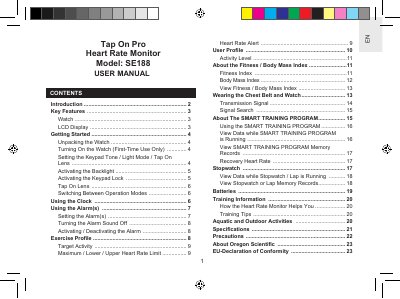
This manual provides instructions for the Oregon Scientific SE188 Tap On Pro Heart Rate Monitor. It covers initial setup, including unpacking the watch and chest belt, and configuring the keypad tone, light mode, and tap-on-lens features. The guide details how to use the real-time clock, set alarms, and manage user and exercise profiles to calculate heart rate limits and fitness indices.
| Water resistance (watch) | up to 50 metres |
|---|---|
| Battery type | 2 x CR2032 lithium batteries |
| Lap memory storage | 99 laps |
| Clock calendar | 50-year auto-calendar |
| Alarm types | daily, weekday, or weekend |
It stays on for 3 seconds, or can be extended by pressing any key while the light is on.
The watch is rated for water resistance up to 50 metres.
The Tap On Lens feature provides access to 6 preset modes.
The backlight turns on for 3 seconds when activated.