
Steinberg UR22C USB Audio Interface Startup Guide

This document is the startup guide for the UR22C USB audio interface, providing information on the product's features and usage.
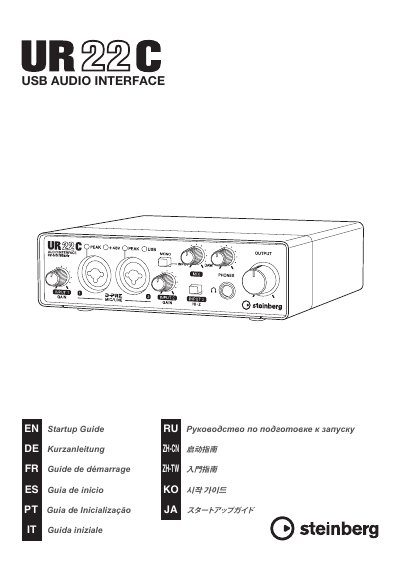

Steinberg UR22C USB Audio Interface Startup Guide - cover page
Brand
Steinberg
Category
Other Electronics
Document type
User Manual
Language
Chinese
Pages
17
File format
PDF
File size
1.1 MB
Published
01 March, 2023
Updated
27 September, 2023
MD5 checksum
260B569C532F968C63D48E9AB24BA67D

About this manual

This document serves as the Startup Guide for the Steinberg UR22C USB Audio Interface. It details the necessary software tools required for operation, including the TOOLS for UR-C suite and Basic FX Suite, and explains how to download and activate them. The guide also outlines the preparation steps needed before connecting the device to a computer or iDS device, covering USB cable connections and power adapter usage. This manual is written in Chinese.

What's inside

  • TOOLS for UR-C
  • Yamaha Steinberg USB Driver
  • Steinberg UR-C Applications
  • Basic FX Suite
  • Preparation for Computer Use
  • Preparation for iDS Device Use
  • USB Cable Connection
  • Power Adapter Connection

Frequently asked questions

What is the maximum audio resolution supported by the UR22C?

The interface processes input sound at a resolution of up to 32-bit/192 kHz.

What type of USB cable is included in the package?

The box includes a USB 3.0 cable that is 1.0 meters long.

What are the pin assignments for the XLR connectors?

Pin 1 is ground, Pin 2 is positive (+), and Pin 3 is negative (-).

Download PDF (1.1 MB)

More Steinberg Manuals


View all Steinberg manuals →