
This document provides an installation guide for Steinberg TOOLS for UR28M and TOOLS for UR824, including the installation steps and precautions.
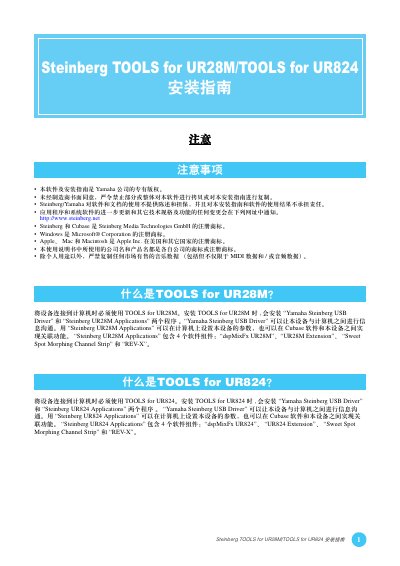
This guide explains how to install the Steinberg TOOLS for the UR28M and UR824 audio interfaces. The installation process adds the Yamaha Steinberg USB Driver and the Steinberg UR28M/UR824 Applications, which provide control over device parameters and integrate with Cubase.
The document details the required installation files (setup.exe for Windows, .mpkg for macOS), supported operating systems (Windows and macOS 10.6/10.7), and steps for reinstalling the software if it is already present on the computer. This manual is written in Chinese.
| Supported Operating Systems | Windows, macOS (10.6, 10.7) |
|---|---|
| Driver | Yamaha Steinberg USB Driver |
| UR28M Application Components | dspMixFx UR28M, UR28M Extension, Sweet Spot Morphing Channel Strip, REV‑X |
| UR824 Application Components | dspMixFx UR824, UR824 Extension, Sweet Spot Morphing Channel Strip, REV‑X |
The installation adds the Yamaha Steinberg USB Driver and the Steinberg UR28M Applications.
The UR824 Applications include dspMixFx UR824, UR824 Extension, Sweet Spot Morphing Channel Strip, and REV‑X.