
This document describes the main features and instructions for using the ZH UR816C audio interface, including a 16 x 16 USB 3.0 audio interface with support for 32-bit/192 kHz audio quality, 8 D-PRE preamps, USB Type-C port with USB 3.0 support, dspMixFx technology, SSPLL technology, etc.
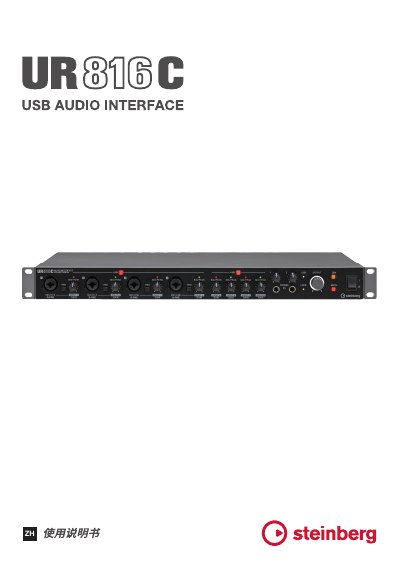
The Steinberg UR816C is a USB audio interface designed for use with the Yamaha Steinberg USB Driver and Steinberg UR-C applications. This manual details the installation and configuration of the driver on Windows and Mac operating systems, including how to set sample rates, buffer sizes, and clock sources. This manual is written in Chinese.
| USB Interface | USB 3.0 |
|---|---|
| Sample Rate | 44.1 kHz to 192 kHz |
| Bit Depth | 32-bit |
| Clock Source | Internal, WCLK In, ADAT In, S/PDIF In |
You can change the sample rate in the Yamaha Steinberg USB Driver settings.
The default USB mode is SuperSpeed (USB 3.1 Gen 1).