
This document provides an overview of the features and instructions for using the Oregon Scientific™ metal AM/FM clock radio, including setting the clock, setting the alarm, and using the power source.
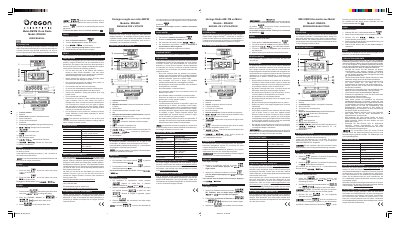
The Oregon Scientific RRA200 is a metal clock radio featuring both AM and FM reception capabilities. The device includes a function selector to switch between alarm modes (buzzer or radio), a volume knob, and frequency tuning controls. It supports both 12-hour and 24-hour time formats.
| Dimensions (L x W x H) | 164 x 71 x 71 mm |
|---|---|
| Weight | 360 g |
| Clock Format | 12 / 24 hour format |
| Alarm Type | Buzzer or radio alarm |
| AM Frequency Range | 530-1710 kHz |
| FM Frequency Range | 88-108 MHz |
| Battery Type | 3 x UM-4 / AAA 1.5V |
| Adapter Voltage | DC 3 Volts |
To reset the unit, take out and then re-insert the batteries.
The product requires 3 x UM-4 / AAA 1.5V batteries, or rechargeable batteries should not be used.
Press the / button to toggle between 12-hour and 24-hour clock displays.