
This document is the installation and getting started guide for ProCurve Switch 1700-24. The document provides information on installation precautions, safety statements, and disclaimers.
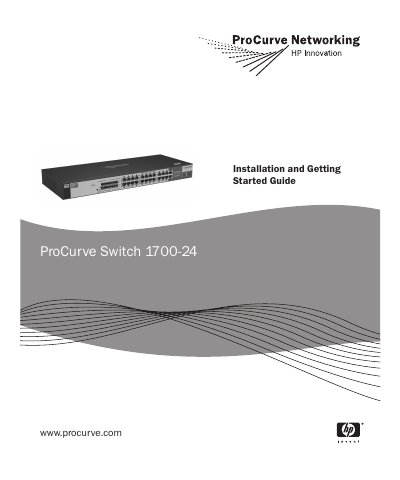
The Hewlett-Packard ProCurve Switch 1700-24 (J9080A) is a multiport store-and-forward switch used to build high-performance switched workgroup networks. It provides 22 auto-sensing 10/100Base-TX RJ-45 ports and two dual-personality ports (23 and 24) for 10/100/1000Base-T RJ-45 or ProCurve mini-GBIC fiber connections.
This installation and getting started guide covers switch hardware features, installation procedures, initial configuration, basic troubleshooting, and safety information. It also includes physical, electrical, environmental, connector, safety, and laser specifications for the switch.
| Width | 44.2 cm (17.4 in) |
|---|---|
| Depth | 17.2 cm (6.8 in) |
| Height | 4.4 cm (1.7 in) |
| Weight | 1.99 kg (4.38 lbs) |
| AC voltage | 100-127 volts, 200-240 volts |
| Maximum current | 0.75 A, 0.4 A |
| Frequency range | 50-60 Hz |
| Operating temperature | 0 °C to 40 °C (32 °F to 104 °F) |
| Ports | 22 auto-sensing 10/100Base-TX RJ-45 ports and 2 Gigabit combination ports (RJ-45/SFP) |
| Safety compliance | EN60950-1 / IEC 60950-1, CSA 22.2 No. 60950-1, UL 60950-1 |
It has 22 auto-sensing 10/100Base-TX RJ-45 ports and two dual-personality ports (ports 23 and 24).
The operating temperature is 0 °C to 40 °C (32 °F to 104 °F).
Press the LED Mode Select button on the switch panel to change modes.
It complies with EN60950-1 / IEC 60950-1, CSA 22.2 No. 60950-1, and UL 60950-1.