
This document provides instructions on the installation, connections, firmware, drivers, and setup of VirtualDJ 8 with Denon MC4000, as well as the usage of various functional modules of MC4000.
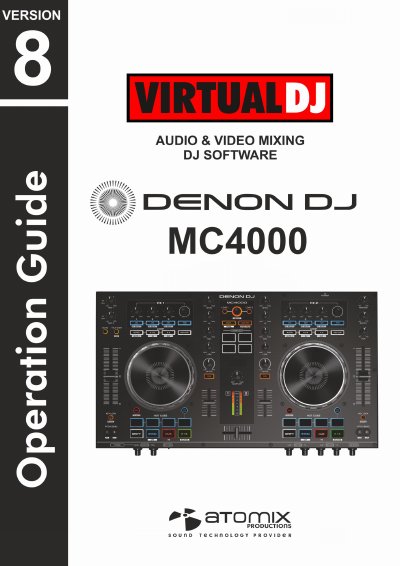
The document provides instructions for installing the Denon MC4000 hardware, including power connections and USB driver setup. It details the requirements for using the device with VirtualDJ 8, specifically noting that a Pro Infinity, PLUS, or Subscription license is required for full functionality.
The guide explains how to configure the software within VirtualDJ 8, covering Audio Setup, MIDI Operation, and specific mappings for the controller's physical controls. It includes detailed descriptions of the Mixer, Browser, Sampler, Deck Controls, HotCues, Effects, Microphone inputs, and Master volume sections.
| Power Adapter | 6V DC, 3A |
|---|---|
| Audio Interface | Built-in sound card |
A Pro Infinity, a PLUS or a Pro Subscription License is required.
No, no drivers need to be installed for Mac OSX computers.