
The Siemens AG document explains how to update the firmware of SINAMICS CU310-2 and CU320-2 control units from version V4.3.x to V4.5x to V4.6. The document provides hardware requirements, firmware upgrade process, and steps to backup data.
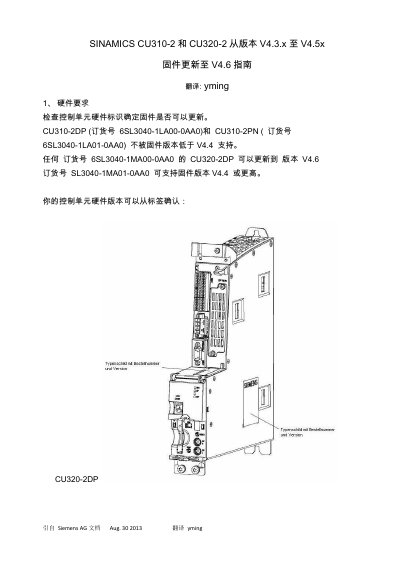
This document provides instructions for updating the firmware of Siemens SINAMICS CU310-2 and CU320-2 control units from version V4.3.x (or higher) or V4.5x to version V4.6. It covers hardware requirements, including specific part numbers and flash card specifications necessary for the update.
The guide outlines two distinct methods for performing the upgrade: using the STARTER software via a CF card reader and updating directly through the Web service interface. Detailed steps are provided for backing up data, preparing the firmware files, executing the update process, and verifying the new version after rebooting. This manual is written in Chinese.
| Supported Flash Card Size for V4.6+ | 2 GB |
|---|---|
| CU310-2DP Part Number | 6SL3040-1LA00-0AA0 |
| CU310-2PN Part Number | 6SL3040-1LA01-0AA0 |
| CU320-2DP Part Number | 6SL3040-1MA00-0AA0 |
| CU320-2DP Part Number (V4.4+) | 6SL3040-1MA01-0AA0 |
A 2 GB flash card is required to support firmware version V4.6 or higher.
All project data and parameters stored on the CF card will be deleted after the upgrade process.
After rebooting, check the version data displayed on the control unit's homepage and review Messages and Logs.