
This document is the user manual for the DP560 printer, which describes the features and characteristics of the printer, including registered trademarks and company names, important safety instructions, etc.
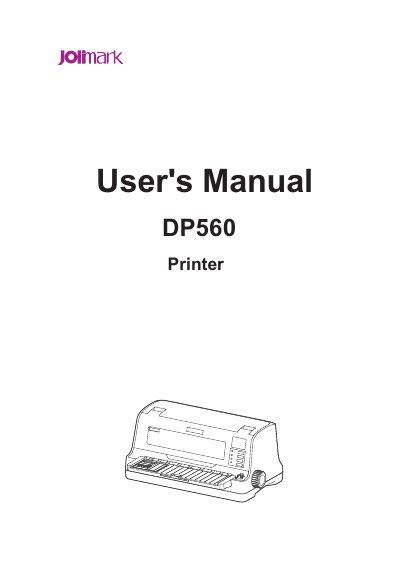
The Jolimark DP560 is a 24-pin high-speed impact printer designed for multifunctional printing requirements, including bills, passbooks, certificates, and continuous paper. Key features include a flat push mechanism to prevent paper deformation, auto-detection for certificate thickness and paper edges, and compatibility with OKI 5530SC and Epson ESC/PK2 command sets.
| Print Head Pins | 24 pin |
|---|---|
| Maximum Resolution | 360DPI (horizon) × 360 DPI (vertical) |
| Data Buffer | 256KB |
| Compatible Commands | OKI 5530SC and Epson ESC/PK2 |
The printer supports Code 39, EAN 8, EAN 13, Code128 B&C, Codabar, Interleaved 2 of 5, and Industrial 2 of 5.
The printer has a maximum image printing resolution of 360DPI horizontally and 360DPI vertically.
The printer can easily handle passbooks, certificates, cards, and thick paper up to 2.0MM in thickness.
The printer commands are compatible with OKI 5530SC and Epson ESC/PK2.