
This manual provides operating instructions, setup guides, maintenance procedures, and technical specifications for the Jolimark BJ109W red-black dual-color…
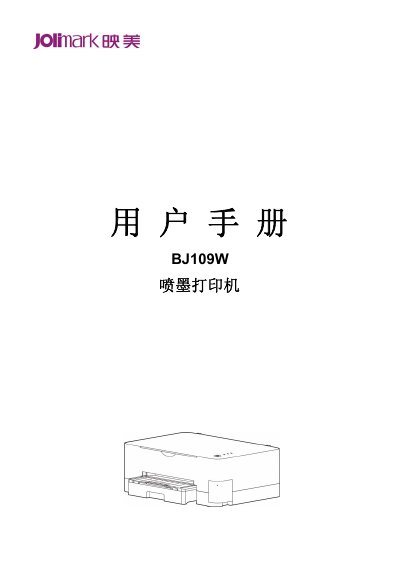
The Jolimark BJ109W is a red-black dual-color inkjet printer designed for home and office use. It features high-resolution 720 dpi printing, automatic duplex printing, and supports various connectivity options including USB, Wi-Fi, Ethernet, and 4G. The device utilizes fast-drying ink that is water-resistant and UV-proof. This manual is written in Chinese.
| Print Type | Red-black dual-color inkjet printing |
|---|---|
| Printing Technology | Thermal bubble inkjet technology |
| Nozzle Configuration | Black: 500 nozzles, Red: 500 nozzles |
| Print Resolution | 720 dpi |
| Input Voltage | 100 ~ 240 V (AC) |
| Paper Capacity | 200 sheets (75 g/m² standard paper) |
The printer achieves a printing speed of approximately 8 pages per minute in standard mode.
Yes, the BJ109W supports automatic double-sided printing to improve paper usage efficiency.
The black ink cartridge has a capacity of 150ml and uses model JM04PK1.