
This document is an instruction manual for SD-201C (25 functions) bicycle computer. The document provides detailed instructions on battery installation, installation of magnetic sensor and magnet, installation of bracket, fixing of cables, and installation of the computer body. Additionally, the document lists the features and characteristics of the bicycle computer, including current speed, odometer, trip distance, maximum speed, average speed, elapsed time, temperature measurement, etc.
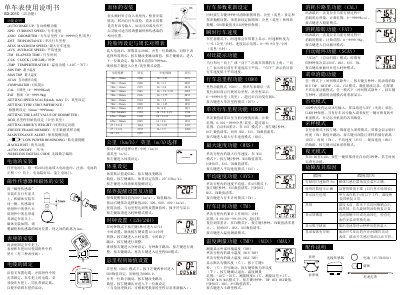
The document serves as a user guide for the SD SD-201C bicycle computer. It details the initial setup process, including installing the CR2032 battery, mounting the magnetic sensor and magnet on the front fork, and securing the unit to the handlebar using the provided accessories.
Once installed, the manual explains how to configure various parameters such as tire circumference, speed units (km/h or mph), rider weight, and maintenance alerts. It also describes the operation of 25 functions, including tracking total distance, trip distance, maximum/average speed, elapsed time, temperature measurement, calorie consumption, and a scan mode that cycles through data displays. This manual is written in Chinese.
| Battery Type | CR2032 (3V) |
|---|---|
| Speed Resolution | +/- 0.1 km/h |
| Speed Range | 0~99.9 km/h |
| Distance Range | 0~99999 km/mi |
| Time Range | 0:00:00~99:59:59 |
| Temperature Range | -10℃~70℃ |
| Calorie Counting Range | 0~99999 Kcal |
Open the battery door and insert one CR2032 battery with the positive (+) side facing up.
Install both on the same side of the front fork, adjusting their relative position so the distance between them is 1mm.
Press both left and right buttons simultaneously for 3 seconds to reset these specific settings.
In SCAN mode, the screen cycles through displaying Trip Distance (DST), Max Speed (MXS), Average Speed (AVS), and Elapsed Time (TM) every four seconds.