
This document is the user manual for the C5000W handheld mobile data terminal, which introduces the technical parameters, external structure, keyboard instructions, accessories, etc. of the product. The handheld mobile terminal has functions such as image acquisition, wireless communication, barcode scanning, and RFID reader, and is suitable for applications such as logistics and warehouse management.
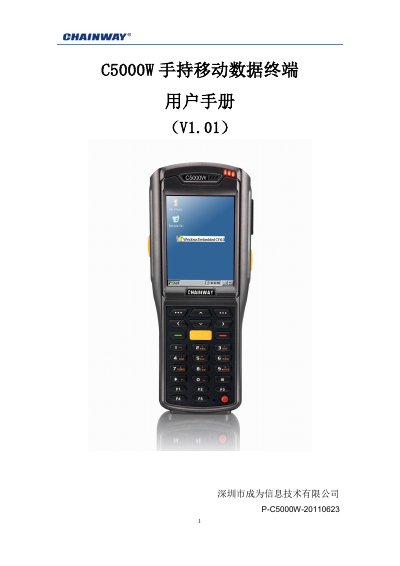
This manual provides configuration and operation instructions for the Chainway C5000W handheld mobile data terminal. It covers product introduction, initial setup, system settings, keyboard and input methods, network connections, and functional usage including barcode scanning and RFID reading. This manual is written in Chinese.
| CPU Processor | Samsung ARM920T@533MHz |
|---|---|
| Memory | 128MB RAM/1GB Flash |
| Operating System | Microsoft WinCE 6.0 |
| Wireless Communication | WIFI IEEE 802.11b/g, GPRS, Bluetooth 2.0 |
| Display | 3.2-inch QVGA TFT-LCD, 65K colors |
| Battery | 3.7V 2000mAh (Standard) |
| Operating Temperature | -20°C to +50°C |
| Protection Rating | IP64 |
The device operates within a temperature range of -20°C to +50°C.
The standard battery has a capacity of 2000mAh.
The device supports formats such as Code 128, Code 39, UPC-A/E, Code 32, PDF417, and QR code.
Clean the touchscreen, use the calibration program to recalibrate, or restart the device.