
This manual covers the installation, operation, maintenance, and driver setup for the Chainway CP30 label printer.
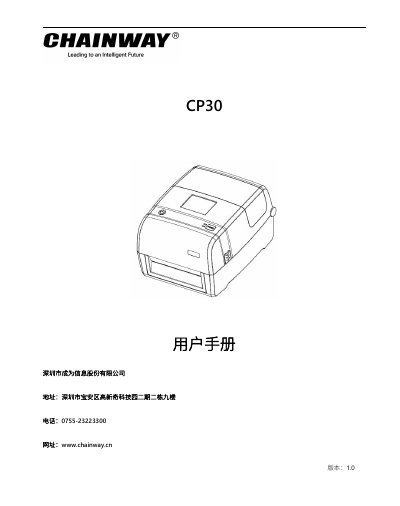
The Chainway CP30 is a thermal transfer label printer designed for printing electronic labels with RFID capabilities. This user manual provides instructions on unboxing, installing media and ribbons, connecting power and interfaces (USB, Ethernet, Bluetooth), and operating the control panel. This manual is written in Chinese.
| Print Resolution | 203 dpi / 300 dpi |
|---|---|
| Max Print Width | 108mm (203dpi) |
| Max Print Length | 2,286mm (203dpi) |
| Storage Memory | 128MB Flash |
| RFID Frequency | 860-928MHz |
The default IP address is 10.0.3.22.
The default pairing code is 0000.