
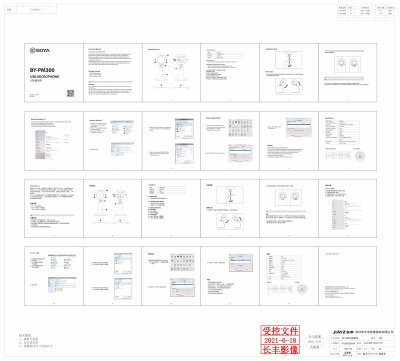
The BY-PM300 is a desktop USB microphone with a cardioid pickup pattern, gain control, headphone volume control, mute function, and a detachable stand. It includes a Type‑C to USB‑A cable and a Type‑C to Type‑C cable for flexible connectivity with Android phones, Windows, and Mac computers.
The manual explains how to adjust the microphone angle, set gain and volume to the recommended 50%, connect the device, and use the 3.5 mm headphone jack for real‑time monitoring. Safety cautions cover cable removal, avoiding high‑voltage sources, and proper storage conditions.
| Frequency Response | 20 Hz‑20 kHz |
|---|---|
| Sensitivity | -45 dB (0 dB=1 V/Pa, 1 kHz 1 Pa) |
| Signal‑to‑Noise Ratio | 75 dB |
| Maximum SPL | 110 dB |
| Sample Rate | 48 kHz |
| Bit Depth | 16‑bit/24‑bit |
| Dimensions | 249.6 × 114.9 × 118.8 mm (9.9 × 4.5 × 4.7 in) |
| Weight | 5 560 g (19.6 oz) |
| Power Consumption | 5 V / 120 mA |
The package contains a Type‑C to USB‑A cable and a Type‑C to Type‑C cable.
Turn the gain control and the volume control knobs to 50 % before recording.
Connect headphones to the 3.5 mm headphone jack, which enables real‑time monitoring.
Remove the USB cable before storing the microphone for an extended period.