
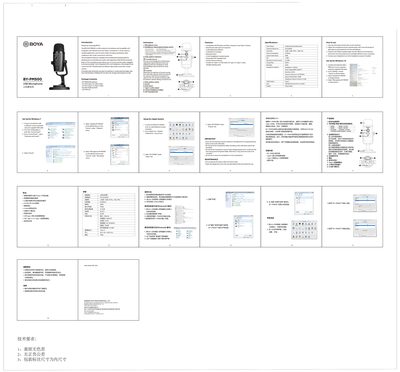
The BOYA BY-PM500 is a USB condenser microphone with cardioid and omnidirectional pickup patterns, designed for use with Windows, macOS, and other Type‑C devices. This manual explains how to assemble the microphone, connect it to a computer, and adjust its settings.
Key sections cover the microphone’s features, technical specifications, step‑by‑step setup for Windows and Apple systems, package contents, and maintenance and safety recommendations to ensure reliable performance.
| Frequency Response | 20‑20,000 Hz |
|---|---|
| Signal‑to‑Noise Ratio | 80 dB |
| Maximum SPL | 110 dB |
| Sample Rate | 48 kHz |
Plug the mini USB of the supplied cable into the USB port of the microphone, then connect the other end to a USB port on your computer.
The microphone provides two selectable polar patterns: cardioid and omnidirectional.
Do not operate the device with wet hands or feet, and avoid exposing it to high‑voltage equipment or hot, humid environments.