
CN1001 is a Conwin wireless remote control module that can wirelessly control the arming/disarming of the alarm host. It also supports emergency alarm and patrol functions. Compatible with remote controllers: CN0001, CN0002, CN0003, CN0004.
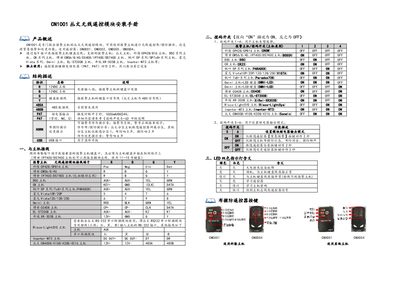
The Conwin CN1001 is a wireless remote control module designed to work with alarm control panels. It enables wireless arming/disarming operations, supports emergency alarm functions, and allows for patrol (circuit) checking. The module connects to the alarm host via a G/Y interface on the keyboard bus and is compatible with a wide range of brands including Conwin, Colom, DSC, Bosch, and Honeywell. This manual is written in Chinese.
| Rated Voltage | 9~14VDC |
|---|---|
| Working Current | 40mA |
| Operating Temperature | -15℃~60℃ |
| Module Dimensions | 90mm*90mm*31mm |
The module supports CN0001, CN0002, CN0003, and CN0004 remote controllers.
Press and hold the K1 button until the red light turns on and then automatically switches to green, then release.
A blinking green light indicates that the module is in standby mode and the connection to the host keyboard line is normal.