
This manual provides installation, configuration, and usage instructions for the Conwin CN1020 (2G) and CN1220 (4G) dual-network communication modules…
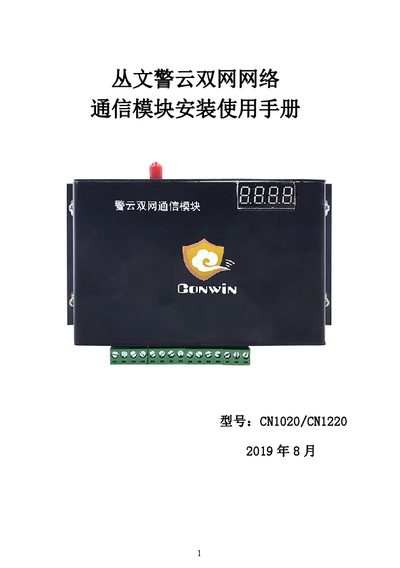
The document is an installation and user guide for the Conwin CN1020 and CN1220 dual-network communication modules. These modules support both mobile networks (2G or 4G) and wired connections to report data from alarm hosts to monitoring centers. The manual covers hardware descriptions, preparation steps, and detailed configuration procedures. This manual is written in Chinese.
| Network Support (CN1020) | 2G mobile network, wired network |
|---|---|
| Network Support (CN1220) | 4G全网通、有线网络两种方式 |
| RS485 Interface (Bus Devices) | Supports up to 8 Conwin bus devices |
| ModBus Interface | Supports up to 4 ModBus bus devices |
| Programmable Outputs | 2 programmable outputs, 1 programmable relay output |
| Built-in Zones | 3 zones |
The default username is 'conwin' and the password is also 'conwin'.
The factory default IP address is 192.168.1.100.
The default installation password is 5555.