
This document describes the features and characteristics of Siemens Building Technologies' RDF510 and RDF530 fan coil room thermostats, including LED backlight display, key lock function, comfort mode and protection mode, automatic or manual heating/cooling conversion, etc.
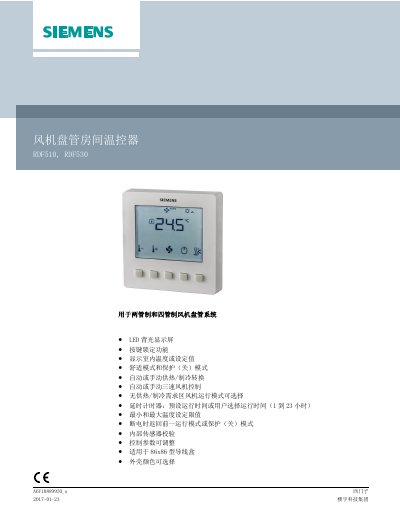
The Siemens RDF510 and RDF530 are room thermostats designed for controlling indoor temperatures in fan coil units within two-pipe and four-pipe heating and cooling systems. The RDF510 is intended for two-pipe systems, while the RDF530 supports four-pipe systems. Key features include an LED backlit display, key lock function, and the ability to display either room temperature or set values. Users can select between automatic or manual heating/cooling conversion and control a three-speed fan or valve actuators. This manual is written in Chinese.
| Application | Two-pipe and four-pipe fan coil systems |
|---|---|
| Display | LED backlit display |
| Mounting Box Size | 86x86mm |
| Mounting Hole Spacing | 60.3mm |
| Power Supply | AC 230 V |
| Max Current Load | 5 A |
| Internal Fuse | 6.3 A slow-blow |
| Temperature Range | 0 °C to 49 °C |
The RDF510 is for two-pipe fan coil systems, while the RDF530 is for four-pipe systems.
Select parameter P71 and set the value to 'ON' (开) to reload factory settings.
Er1 indicates a failure of the internal sensor.
Yes, the fan can be set to run at low speed or be turned off in the no-demand zone.