
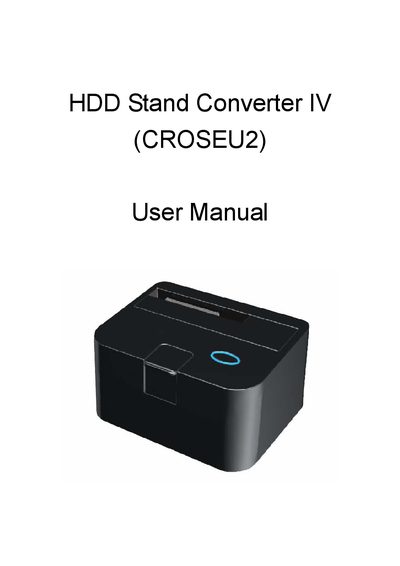
The HDD Stand Converter IV (CROSEU2) is a compact docking unit that allows direct insertion of 2.5" or 3.5" SATA hard drives for easy access and data transfer. It supports USB 2.0 and eSATA connections and includes power and status LEDs.
Installation is performed by releasing the drive with the push button, connecting the appropriate SATA or eSATA cable, and powering the unit with the supplied 12V/2A adaptor. LEDs indicate power and access status, and the manual provides special tips for safely removing the HDD.
| Supported HDD sizes | 2.5" or 3.5" SATA |
|---|---|
| USB transfer rate | up to 480 Mbps |
| eSATA transfer rate | up to 3.0 Gbps |
| 1934a transfer rate | up to 400 Mbps |
| 1934b transfer rate | up to 800 Mbps |
| Power adaptor | 12V/2A |
The converter works with all 2.5" or 3.5" SATA hard drives.
USB 2.0 provides up to 480 Mbps, while eSATA offers up to 3.0 Gbps.
It uses a 12 V, 2 A DC power adaptor.