
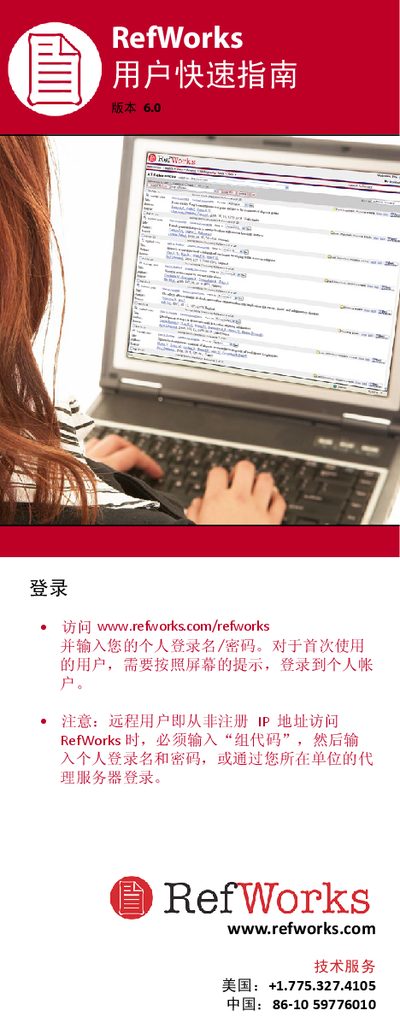
This guide walks users through the core functions of RefWorks, including creating a personal database, importing references from online sources, text files, or other reference managers, and manually entering citation data. Detailed steps show how to attach files, set output styles, and generate bibliographies.
Additional sections cover organizing references with folders, sorting and editing records, sharing databases via RefShare, searching with quick or advanced queries, and using the One‑Line Cite view for in‑text citations. The manual ends with links to online tutorials, support contacts, and a list of compatible external databases. This manual is written in Chinese.
| Maximum attachment size | 20 MB |
|---|---|
| Folder limit | No limit |
Each attached file may be up to 20 MB in size.