
This document is an introduction to the RefWorks User Quick Reference Guide, including instructions for login, creating a database, converting bibliographic data from other reference management products, and importing data from RSS feeds and text files.
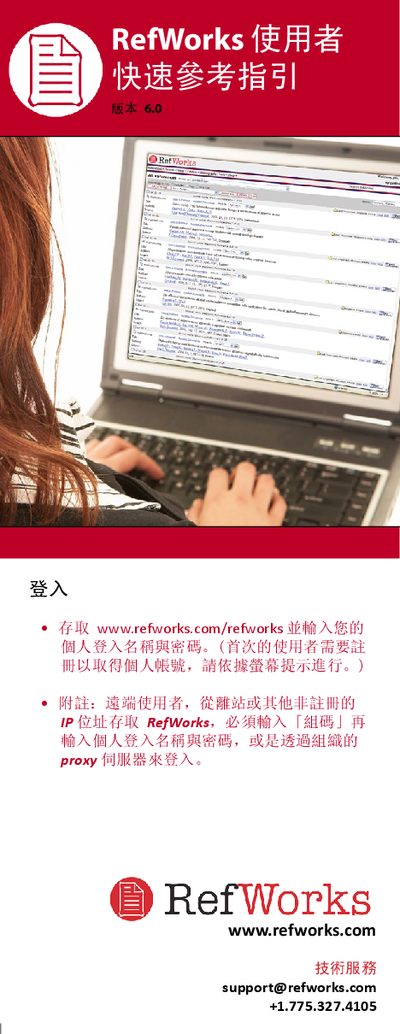
This guide explains how to create and manage a RefWorks library, including importing references from online databases, manual entry, and attaching files. It also covers tools for organizing references into folders, editing entries in bulk, and using the RefShare feature to share collections with others.
Additional sections describe searching within your library, using citation formatting tools, and accessing tutorial videos and webinars for deeper learning. Contact information for technical support is provided throughout. This manual is written in Chinese.
| Maximum attachment size per file | 20 MB |
|---|
Each attached file can be up to 20 MB in size.