
This document is the installation instructions for EPL-6200 and EPL-6200L laser printers
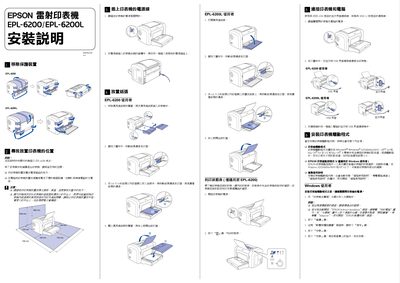
This guide explains how to unpack the Epson EPL-6200/EPL-6200L laser printers, remove protective covers, place the unit on a stable surface away from electromagnetic interference, connect the power cord, and load paper correctly. It also details the steps for loading A4 paper, positioning the paper guides, and checking the print status table.
The manual provides instructions for installing the printer driver on Windows (parallel or USB 1.1) and on Mac OS (8.6 and later), including accepting the license agreement and completing the installation wizard. Optional accessories, memory upgrades, functional specifications, and troubleshooting tips are also included. This manual is written in Japanese.
| Supported operating systems | Windows Me/95/98/2000/XP/NT 4.0, Mac OS 8.6 and later |
|---|---|
| Power supply voltage | 110 V – 120 V |
| Frequency | 50 Hz – 60 Hz |
| Maximum memory | 136 MB (standard 64 MB + optional 16/32/64/128 MB modules) |
Remove the universal feeder cover, place A4 paper face‑up into the tray, adjust the paper guides, and press the feed lever to position the paper correctly.
Use the Print Status Table, which shows the printer’s current state, consumable levels, and installed options.