
Roland Fantom-S/Fantom-S88 Quick Start Guide


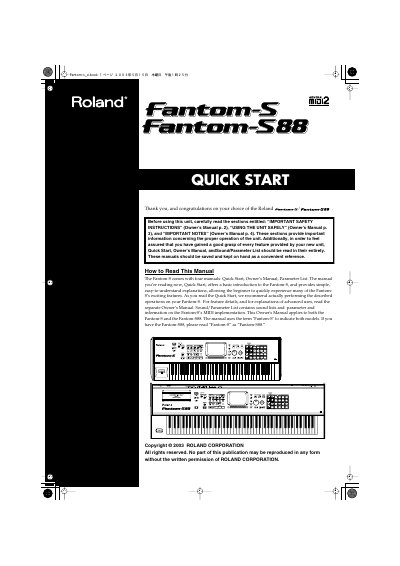
Roland Fantom-S/Fantom-S88 Quick Start Guide - cover page
Brand
Roland
Category
Other Electronics
Document type
Quick Start Guide
Language
English
Pages
52
File format
PDF
File size
5.8 MB
Published
10 August, 2012
Updated
29 September, 2023
MD5 checksum
DD6F8042973A096B525ED83419DA2293

About this manual

This manual serves as a basic introduction for beginners to the Roland Fantom-S and Fantom-S88 workstations. It provides simple explanations to help users quickly experience the instrument's exciting features, including sound selection, performance controls, and recording functions. The guide recommends performing the described operations on the actual unit to gain a good grasp of its capabilities.

What's inside

  • Getting Ready
  • Connecting an Amp and Speaker System
  • Turning On the Power
  • Listen to the Demo Song
  • Try Out the Sounds
  • Playing the Sounds
  • Creating a Song
  • Recording the Rhythm Part
  • Using Effects
  • Saving the Song You Recorded

Frequently asked questions

What manuals come with the Fantom-S?

The unit includes four manuals: Quick Start, Owner's Manual, Parameter List, and Sound/Parameter List.

What audio equipment is required to hear the Fantom-S sound?

Because the unit contains no amplifier or speakers, you must connect it to external audio equipment like an amp, speaker system, or headphones.

How many demo songs are available on the Fantom-S?

There are four demo songs available for playback on the unit.

Download PDF (5.8 MB)

More Roland Manuals


View all Roland manuals →