
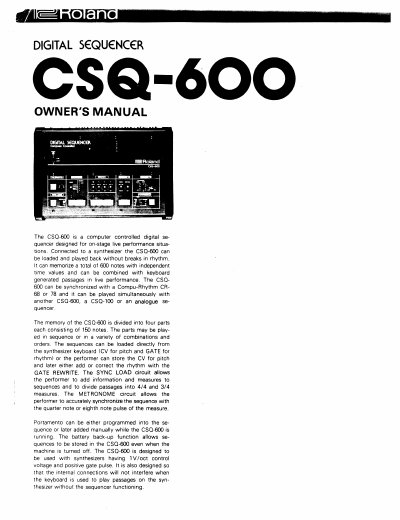
The Roland CSQ-600 is a digital sequencer designed for live performance. It can memorize up to 600 notes with independent time values, stores them in four parts of 150 notes, and can be loaded from a synthesizer keyboard or played back in different part combinations. It is designed for synthesizers with 1V/oct control voltage and positive gate pulse and can synchronize with a Compu-Rhythm CR-68 or CR-78 and other sequencers.
This owner's manual covers connections, the functions of the controls, power supply handling, loading and gate rewrite, calibration, memory playback, and the tempo/metronome section. It also describes the battery backup that stores sequences for up to six months with the power off.
| Memory capacity | 600 notes with independent time values |
|---|---|
| Memory divisions | Four parts, each with 150 notes |
| Battery backup | Up to six months without power |
It can memorize a total of 600 notes with independent time values, divided into four parts of 150 notes each.
The battery backup stores information for up to a maximum of six months with the power supply off.
When the mode switch is set to CV ONLY, control voltages for pitch are memorized as sixteenth notes.
Yes. In GATE REWRITE mode, the rhythm of a memorized sequence can be reprogrammed by tapping the desired rhythm on one key.