
This document describes the features and characteristics of the Roland CUBE-20X Guitar Amplifier, including 20-watt output, built-in 20 cm (8-inch) speaker, six different COSM effects, channel switching, and Power Squeezer function.
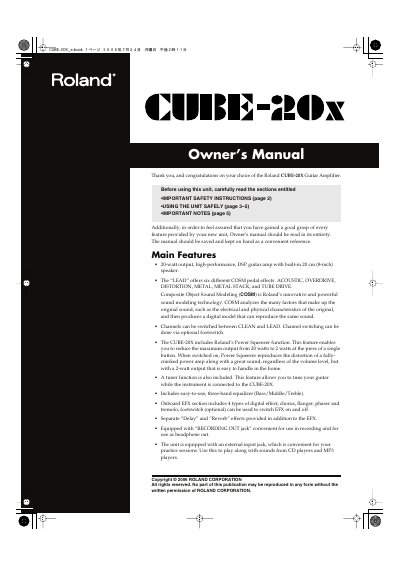
The Roland CUBE-20X Owner's Manual covers the 20-watt DSP guitar amplifier and its built-in 20 em (8-inch) speaker. It describes the CLEAN and LEAD channels, the six COSM LEAD effects, the Power Squeezer function, the tuner, the three-band equalizer, the EFX section, Delay and Reverb, and connections for recording, headphones, and external audio players.
The manual also includes important safety instructions and the Using the Unit Safely section, with warnings and cautions for operating the amplifier.
| Output power | 20 watts |
|---|---|
| Speaker | Built-in 20 em (8-inch) speaker |
| Power Squeezer output reduction | Maximum output from 20 watts to 2 watts |
| Onboard EFX types | 4 types of digital effect, chorus, flanger, phaser and tremolo |
It reduces the maximum output from 20 watts to 2 watts at the press of a single button, reproducing the distortion of a fully-cranked power amp.
The LEAD offers six COSM pedal effects: ACOUSTIC, OVERDRIVE, DISTORTION, METAL, METAL STACK, and TUBE DRIVE.
Yes. The RECORDING OUT jack is convenient for recording and can be used as a headphone out.
Channels can be switched between CLEAN and LEAD using an optional footswitch.