
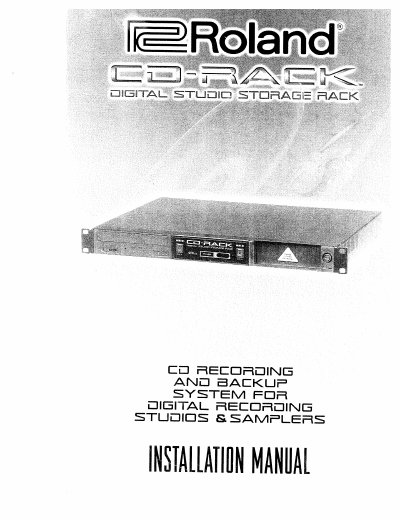
QPS CD-RACK CD Recording and Backup System Installation Manual


QPS CD-RACK CD Recording and Backup System Installation Manual - cover page
Brand
Roland
Category
Storage devices
Document type
Installation Guide
Language
English
Pages
54
File format
PDF
File size
9.9 MB
Published
10 August, 2012
Updated
31 August, 2012
MD5 checksum
680F60E78BF4EC510F5FCFCEC4E2A1B7

About this manual

The QPS CD-RACK is a CD recording and backup system for digital recording studios and samplers. Its installation manual explains how to set up the hardware and software, including SCSI cable connection, SCSI ID setting, and single or dual SCSI-2 channel selection.

The manual also covers media insertion, removal and handling guidelines, troubleshooting and performance tips, a glossary, FCC compliance, and the limited warranty. The CD-RACK can store as much as 450 floppies on one CD-R or CD-RW media.

What's inside

  • Welcome to the CD-RACK World
  • Package List
  • Getting Started
  • SCSI Cable Connection / Setting the SCSI ID
  • And Now for the Software
  • Instant Upgradability
  • Flexible Configuration: Single / Dual SCSI-2 Channel Selection
  • Media Insertion, Removal and Handling Guidelines
  • Troubleshooting Guidelines and Performance Tips
  • Glossary of Terms

Specifications

Storage capacity450 floppies on one CD
Supported mediaCD-R or CD-RW media
SCSI configurationSingle or dual SCSI-2 channel
ConnectionSCSI cable connection and SCSI ID setting

Frequently asked questions

What can the QPS CD-RACK do?

It allows you to store massive amounts of data on one CD.

What media can the CD-RACK use?

It uses CD-R or CD-RW media.

How much data can fit on one CD?

As much as can be stored on 450 floppies.

What does the manual cover for SCSI setup?

It covers SCSI cable connection and setting the SCSI ID.

Download PDF (9.9 MB)

More Roland Manuals


View all Roland manuals →