
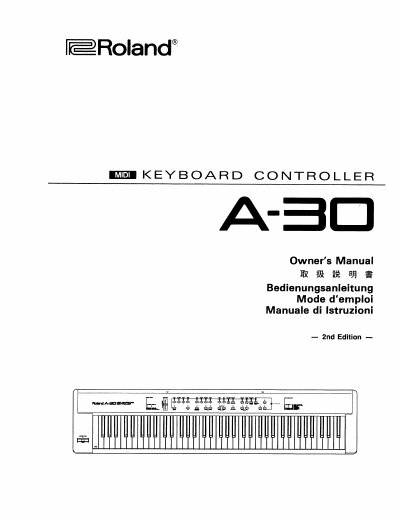
This is the owner's manual for the Roland A-30 MIDI keyboard controller. It opens with the manufacturer and radio-interference notices and then gives a numbered panel description of the instrument, covering both the top panel controls and the rear-panel connections.
The panel description explains each control in turn: the Data Entry potentiometer and its assign button, the Transposer, Start/Stop, the Modulation Lever and Pitch Bender, Patch and Variation buttons, the numerical buttons with Write and Enter, MIDI/Param., Octave Up and Down, the Upper and Lower keyboard modes, Edit, Reverb and Chorus on/off, the 17-32 switch, and the power, sustain pedal and MIDI sockets.
| Memory patches | 82 |
|---|---|
| Variation bank select | CC 00 and CC 32 |
| Volume control message | Control Volume Change Message (CC-7) when the Data Entry potentiometer is on |
| Keyboard transposition | one octave up or one octave down |
| MIDI sockets | Rear panel MIDI sockets |
| Power | External AC adaptor socket |
A patch can be stored into any of the 82 memory patches available on the A-30.
It sends assignable control messages, and when on it is assigned to control volume through the Control Volume Change Message (CC-7).
Use the Octave Up and Octave Down buttons, which transpose the keyboard one octave up or down.
A Sustain Pedal is connected to the Sustain Pedal socket on the rear panel.