
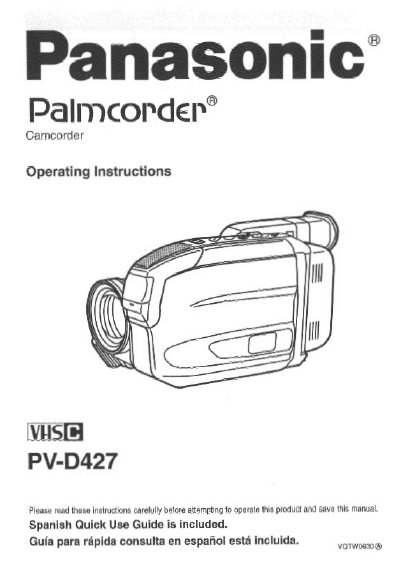
Panasonic PV-D427 Camcorder Operating Instructions


Panasonic PV-D427 Camcorder Operating Instructions - cover page
Brand
Panasonic
Category
Camcorders
Document type
User Manual
Language
English
Pages
52
File format
PDF
File size
1.4 MB
Published
10 August, 2012
Updated
13 August, 2012
MD5 checksum
0511D31B99FF7007A89517E659A0F83D

About this manual

This manual provides operating instructions for the Panasonic PV-D427 Palmcorder camcorder. It includes information on safety precautions, accessories, and initial setup steps such as setting the clock and attaching the shoulder strap. The document also details how to use the electronic viewfinder and various recording functions.

What's inside

  • Getting Started
  • Important Safeguards
  • Supplying Power
  • Camera Recording
  • Play Back your Recordings
  • Special Features
  • Intelligent Titler
  • Copying your Tapes
  • Specifications
  • Warranty

Specifications

Recording ModesStandard Play (SP) and Super Long Play (SLP)
Video SystemHQ System
CompatibilityStandard VHS equipment

Frequently asked questions

What recording modes does the PV-D427 support?

The camcorder is designed to record and play back in Standard Play (SP) and Super Long Play (SLP) modes.

Can I play recordings on a standard VHS VCR?

Yes, you can play a Compact VHS Palmcorder recording on your VHS VCR using the supplied VHS PlayPak.

What should I do if the camcorder gets wet?

Do not connect the power supply or operate the camcorder if it gets wet, as this could permanently damage internal parts.

Download PDF (1.4 MB)

More Panasonic Manuals


View all Panasonic manuals →