
Panasonic DMC-LX3 Digital Camera Operating Instructions

This is an operating manual for Panasonic DMC-LX3 digital camera
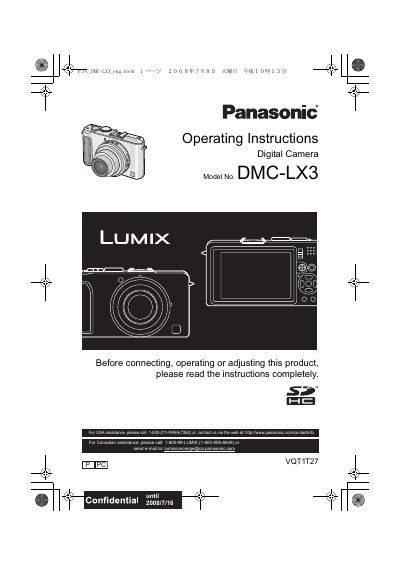

Panasonic DMC-LX3 Digital Camera Operating Instructions - cover page
Brand
Panasonic
Category
Digital cameras
Document type
User Manual
Language
English
Pages
160
File format
PDF
File size
37 MB
Published
10 August, 2012
Updated
30 September, 2023
Model
DMC-LX3
MD5 checksum
9C1FB2BD03D1DE7A11063FD07CF0ED7C

About this manual

This document provides the operating instructions for the Panasonic DMC-LX3 digital camera. It includes safety warnings, information on accessories and components, and guidance on preparing the camera for use, such as charging the battery and setting the date and time. The manual also explains how to attach the lens cap and strap.

What's inside

  • Before Use
  • Preparation
  • Basic
  • Advanced (Recording pictures)
  • Playing back Pictures
  • Deleting Pictures
  • About the LCD Monitor
  • Taking Pictures using the Built-in Flash
  • Taking Close-up Pictures
  • Taking Pictures using Auto Bracket/Multi Aspect

Specifications

Product TypeDigital Camera
Model NumberDMC-LX3

Frequently asked questions

Where is the serial number located?

The serial number is on the tag located on the underside of your Camera.

What should you do if condensation occurs on the lens?

Turn the camera off and leave it for about 2 hours until the temperature of the camera becomes close to the ambient temperature.

Download PDF (37 MB)

More Panasonic Manuals


View all Panasonic manuals →