
Panasonic DMC-TS1 Digital Camera Operating Instructions

This is a user manual that introduces the operation method of Panasonic DMC-TS1 P camera.
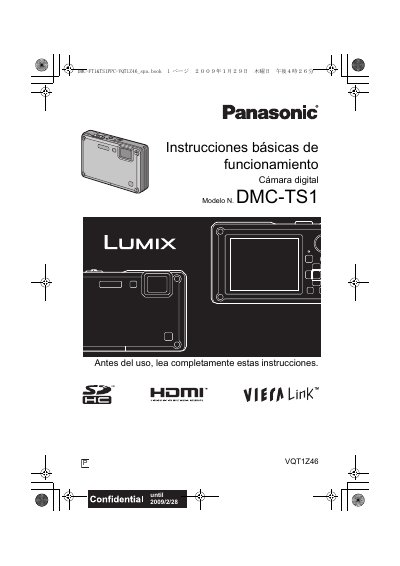

Panasonic DMC-TS1 Digital Camera Operating Instructions - cover page
Brand
Panasonic
Category
Digital cameras
Document type
User Manual
Language
English
Pages
160
File format
PDF
File size
23.8 MB
Published
10 August, 2012
Updated
30 September, 2023
Model
DMC-TS1
MD5 checksum
E52442AEE70AC29BC8B6BBD174CB1964

About this manual

This manual provides operating instructions for the Panasonic DMC-TS1 digital camera. It covers essential safety information, including warnings about water, moisture, and battery handling, as well as instructions for connecting the device to a computer. The guide explains how to use the camera's Intelligent Auto Mode, Normal Picture Mode, and various Scene Modes such as Sports, Snow, and Night Scenery. It also details features like Face Recognition, AF Tracking, and the built-in flash.

What's inside

  • Before Use
  • Quick Guide
  • Standard Accessories
  • Names of the Components
  • Preparation
  • Setting Date/Time
  • Setting the Menu
  • Taking pictures using the automatic function
  • Taking pictures with your favorite settings
  • Playing back Pictures

Frequently asked questions

How long should the camera be left off to resolve condensation on the lens?

Turn the camera off and leave it for about 2 hours until the temperature matches the ambient temperature.

What is the maximum number of pictures that can be deleted at once?

You can delete multiple pictures, with a maximum of 50 pictures per operation.

What is the required AC voltage range for the battery charger?

The battery charger operates on AC between 110 V and 240 V.

Download PDF (23.8 MB)

More Panasonic Manuals


View all Panasonic manuals →