
This is an operating manual for the Panasonic PV-VM202 digital camcorder
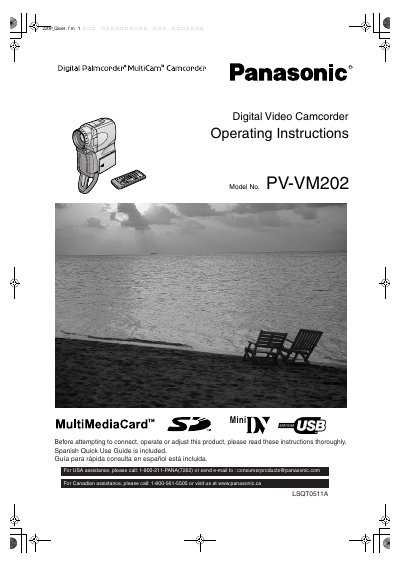
This manual provides operating instructions for the Panasonic PV-VM202 Digital Palmcorder. It details safety precautions, setup procedures, and usage for both camera and VCR modes. The device supports recording and playback in Standard Play (SP) and Long Play (LP) modes using MiniDV cassettes. It also features a MultiMediaCard slot for storing and transferring digital images and video files. The guide explains how to use the viewfinder, LCD monitor, and various menu functions to adjust settings like white balance, digital zoom, and special effects. Additionally, it covers how to connect the Palmcorder to a computer via USB for data transfer and software installation.
| Recording Modes | Standard Play (SP) mode and Long Play (LP) mode |
|---|---|
| Product Name | Digital Palmcorder |
| Model Number | PV-VM202 |
The model number is PV-VM202.
It supports Standard Play (SP) mode and Long Play (LP) mode.
Yes, a Spanish Quick Use Guide is included with the product.