
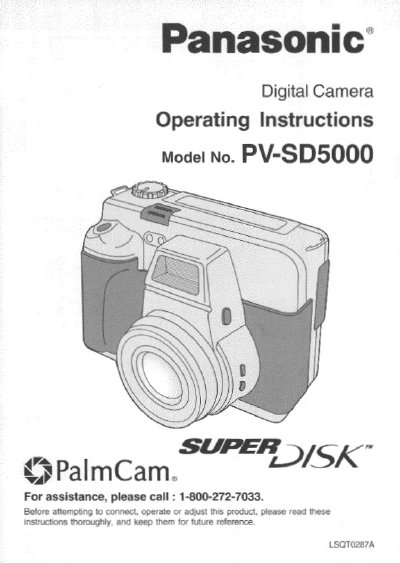
Panasonic PV-SD5000 Digital Camera Operating Instructions


Panasonic PV-SD5000 Digital Camera Operating Instructions - cover page
Brand
Panasonic
Category
Camcorders
Document type
User Manual
Language
English
Pages
76
File format
PDF
File size
2 MB
Published
09 August, 2012
Updated
30 August, 2012
MD5 checksum
AADAD2B262421D40B7C82941254E4B5B

About this manual

This document provides the operating instructions for the Panasonic PV-SD5000 Digital Camera. It begins by listing the items included in the package, such as the camera, AC adaptor, USB cable, and software. The manual also includes a receipt attachment section for purchase records.

What's inside

  • Unpacking
  • Safety Precautions
  • Important Precautions
  • Care and Cleaning
  • FCC Warning
  • Declaration of Conformity

Frequently asked questions

What items are included in the Digital Camera box?

The box contains the Digital Camera, AC Adaptor, DC POWER Cable, USB Cable, A/V Cable, Lithium Ion Battery Pack, SuperDisk Diskette, Camera Strap, CD-ROM of Driver Software, Adobe PhotoDeluxe Software, Lens Cap, and Lens Cap Holder.

What should you do if the Digital Camera gets wet?

Do not connect the power supply or operate the Digital Camera if it gets wet, as this could permanently damage the internal parts.

Download PDF (2 MB)

More Panasonic Manuals


View all Panasonic manuals →